
A Defensible TPRM Program — Without the Enterprise Overhead
Purpose-built for regulated financial institutions. Exam-ready oversight, no IT project required.
Purpose-built for regulated financial institutions. Exam-ready oversight, no IT project required.
From pre-contract due diligence to offboarding, VendorRisk gives you the structured workflows and audit trail your regulators expect at every phase of the vendor relationship.

Complete risk assessments, collect required documentation, and route for approval before a vendor goes live — so nothing is missed and everything is on record.

Monitor performance, track contracts and expirations, collect annual due diligence, and maintain continuous oversight across your entire vendor portfolio.
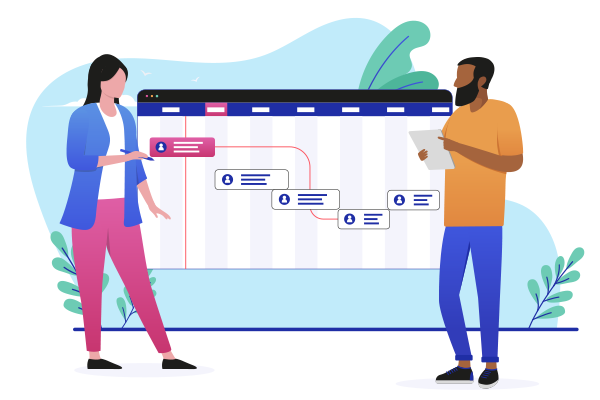
Document every vendor offboarding — data return, access termination, and contract closure — with a complete examiner-ready record.
Don't have the bandwidth to run your TPRM program in-house? Our partners can handle it for you — with the regulatory knowledge to do it right.
We'll manage outreach to your vendors and collect the documentation your program requires — insurance certificates, business licenses, SOC reports, and more — so nothing expires unnoticed.
Our team conducts vendor reviews on your behalf, using structured questionnaires and scoring that align with regulatory expectations — so your program stays current without adding to your team's workload.
Standing up a new TPRM program or strengthening an existing one? We'll work alongside your team to build policies and procedures that meet regulatory guidance and reflect how your organization actually operates.

We don't like to brag, but we don't mind letting our customers do it for us.
Here are a few nice things folks have said about VendorRisk over the years.


“I came from a large bank environment where the tools were cumbersome and changes took days to weeks: now I can customize or extend a report or dashboard in minutes”

“We use the system on a daily basis to monitor key performance indicators, contract deadlines, and document expiration dates for more than 800 vendors.”
Pay for what your TPRM program actually requires — not a feature-bloated enterprise license.
Whether you're standing up a new program or scaling an existing one, our pricing grows with you.
up to 50 vendors
Vendor Management
Contract Management
Due Diligence Reviews
Risk Reviews
Advanced
Need more vendors or modules? Visit our pricing page to see exactly what your setup will cost — no surprises.
Build the vendor oversight program your regulators expect — before they ask for it.
Schedule demo →